How to compare iPhones quickly before checkout
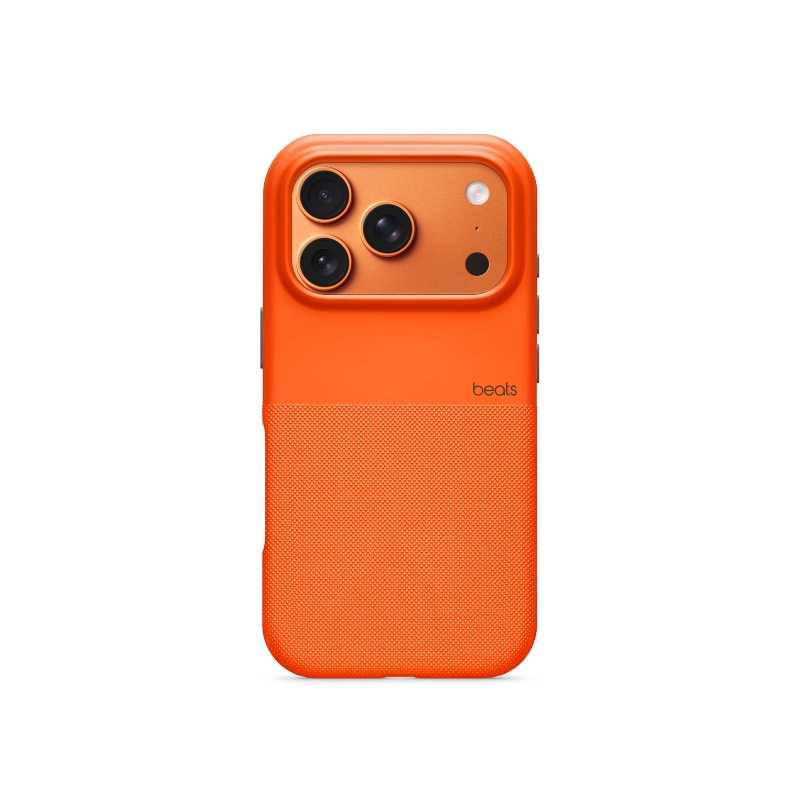
Use this iPhone shop Kenya page as a shortlist builder instead of jumping between random posts and screenshots. You can review live listings, current KES pricing, condition notes, and seller profiles in one workflow. Filtering with a clear plan helps you drop weak options early and keep only listings that match your goals for new, refurbished, and clean used iPhone models.
Start by choosing two or three non-negotiables. For most buyers that means a budget range, expected condition, and delivery speed. When those basics are clear, compare listings by total value rather than headline price alone. Total value includes accessories in the box, warranty coverage, clear photos, and how quickly the seller can dispatch your order.
- Shortlist by use-case first: mobile photography, business communication, creator workflows, and long-term resale value.
- Compare what is included, not just the listing title.
- Check seller response quality before you pay.
- Keep order communication in-platform for traceability.
Pricing in KES: what changes value day to day
Prices move based on stock levels, brand demand, model age, and seasonality. Storage tier, model year, and condition are the biggest drivers of iPhone pricing in Kenya. That is why the best process is to compare several active listings at once, then rank options by specification, condition, and seller reliability. This avoids overpaying for listings that look attractive but include limited support or unclear product history.
Look at full cost before checkout. Add expected delivery fees, any accessories you still need, and realistic after-sales support. A listing that appears cheaper can become expensive if key accessories are missing or if warranty terms are vague. Buyers who review these details upfront usually get better long-term value and fewer post-purchase disputes.
- Set a realistic min and max budget before browsing.
- Check whether accessories are bundled or sold separately.
- Prioritize listings with clear condition and warranty notes.
- Re-check total spend after delivery and setup needs.
Shipping, payment, and warranty expectations
Nairobi delivery can be same-day for in-stock units, while upcountry routes usually take one to three business days. For urgent purchases, confirm dispatch cut-off times and whether same-day or next-day options are available in your area. For upcountry orders, verify estimated timelines before payment so you can plan around delivery windows and avoid surprise delays.
Payment clarity and warranty clarity matter as much as product specs. For normal orders, pay the shop through the agreed direct method and keep confirmations. For eligible orders, use JAAT Protected checkout when available. Strong iPhone listings include battery health indicators, IMEI clarity, and specific warranty duration. A listing with transparent warranty and return terms usually signals better seller discipline and smoother after-sales support.
- Confirm delivery fee and timeline before checkout.
- Use the stated payment mode and keep confirmations.
- Read warranty scope: duration, defects covered, and process.
- Check return conditions for wrong, damaged, or incomplete items.
How to avoid risky iPhones listings
The safest listings are specific. You should see accurate photos, consistent product descriptions, and condition details that match what the seller says in chat. If a listing lacks basics like model details, compatibility notes, or warranty explanation, treat it as a risk signal and move on to alternatives with better transparency.
Before paying, ask practical verification questions: what exactly is included, whether accessories are original or compatible, and how warranty claims are handled. Reliable sellers answer directly and provide proof where needed. If responses are delayed, vague, or contradictory, keep shopping. Discipline at this stage prevents avoidable returns and protects your budget.
- Prioritize listings with complete titles and clear photos.
- Ask for model, capacity, and condition confirmations in writing.
- Avoid pressure to pay through any method that differs from the stated shop or protected checkout mode.
- Choose sellers with consistent communication and policy clarity.
After ordering: delivery checks and support workflow
At delivery, inspect packaging and match the received item to the listing details immediately. Confirm color, capacity, condition, and included accessories before final acceptance. For electronics or beauty items, basic inspection at handover helps you catch wrong variants, damaged seals, or missing parts while evidence is still easy to document.
If something is wrong, report it quickly through official support paths and include photos, timestamps, and order references. Fast, well-documented reports make resolution easier for both buyer and seller. Keeping this workflow consistent protects your purchase history and makes future shopping faster because you already have a clear verification checklist.
- Inspect item identity and condition at handover.
- Test key functions as soon as practical after delivery.
- Document issues with photos and order references.
- Escalate early if the delivered item differs from the listing.